Introduction
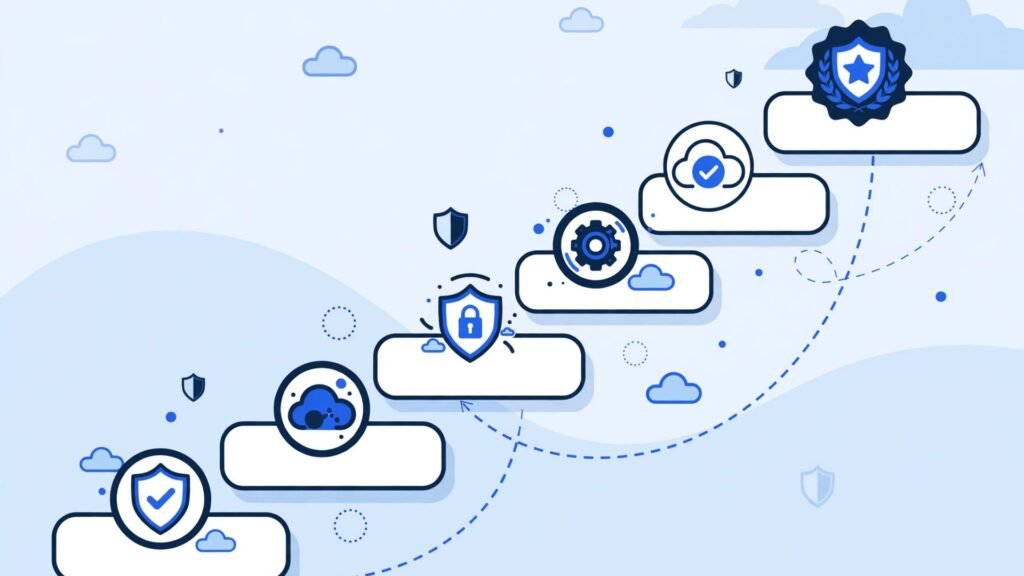
Amazon Web Services is the cloud most DevOps job descriptions assume you know, and the fastest way to learn it is to build three small things: a virtual server, a storage bucket, and a serverless function. This tutorial does exactly that — EC2, S3 and Lambda — in about an hour, with the account set up safely first. It pairs with our AWS Certification Roadmap 2026, which shows where these three services sit on the path to the Solutions Architect and DevOps Engineer certifications.
Free Tier note (26 Nov 2026): AWS changed its Free Tier on 15 July 2025, and most older tutorials still describe the old model. New accounts now get $100 in credits at sign-up, plus up to $100 more for completing onboarding activities — up to $200 total — for 6 months, instead of the old 12-month allowances (750 hours of EC2, 5 GB of S3). The Always Free layer still exists and never expires: Lambda gives 1 million requests and 400,000 GB-seconds of compute per month, among other allowances. Always check the current AWS Free Tier page before you start, because the terms are the part of AWS that changes most often — and set a billing alarm before you launch anything, as described below.
What AWS Is, and How It Is Organised
AWS is a collection of more than 200 services, but beginners only need the mental model: Regions are geographic areas (us-east-1, eu-west-2, ap-southeast-2), each containing multiple Availability Zones — physically separate data centres. A service you launch lives in one Region, and most tutorials default to us-east-1, the oldest Region. Choose a Region close to your users, and remember that resources in one Region are invisible from another — the single most common reason a beginner “loses” an instance they just launched is that they are looking at the wrong Region in the console.
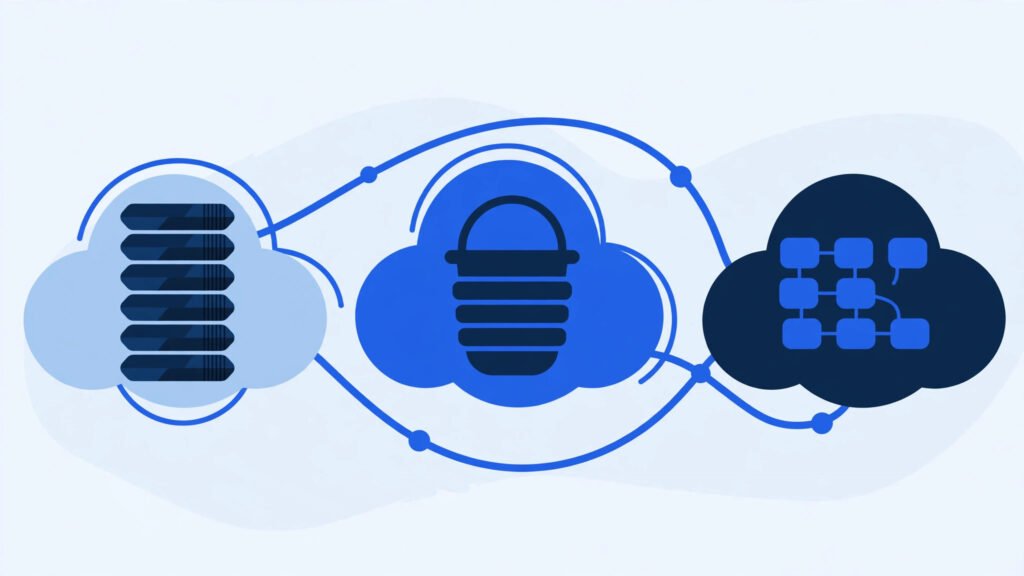
The three services in this tutorial cover the three shapes of cloud computing. EC2 is infrastructure as a service: a virtual server you control completely. S3 is object storage: files in buckets, accessed over the web. Lambda is serverless: code that runs when something happens, with no server to manage at all. Most real systems use all three together, and understanding when each one fits is the skill — not memorising service names.
Setting Up an Account Safely
Create the account with an email address you control and a payment method — AWS requires a card even for free usage, which is exactly why the next three steps matter before you launch anything.
First, turn on multi-factor authentication (MFA) for the root user. The root user can do anything in the account, including deleting it, so it should never be used for daily work. Enable MFA in the console under your account name, then stop using root.
Second, create an IAM user (or an IAM Identity Center user) for yourself with AdministratorAccess, and use that for everything in this tutorial. IAM — Identity and Access Management — is how AWS controls who can do what. Using a named user instead of root is the single most important security habit in AWS, and interviewers ask about it constantly.
Third, set a billing alarm before you spend anything. In CloudWatch, create an alarm that emails you when estimated charges exceed $5, or set a budget in AWS Budgets for $5 with an alert at 80%. A billing alarm is free, takes two minutes, and is the difference between a learning exercise and a surprise invoice. Also note that since February 2024 AWS charges about $0.005 per hour (roughly $3.60 a month) for each public IPv4 address, including one attached to a running EC2 instance — small, but it is a charge that older free-tier guides do not mention.
EC2: Your First Virtual Server
EC2 — Elastic Compute Cloud — is a virtual machine in an AWS data centre. Launch one from the EC2 console: choose an Amazon Machine Image (Amazon Linux 2023 is the default and the simplest choice), an instance type (t2.micro or t3.micro are the small, cheap ones), and a key pair, which you download once and keep safe — it is the only way to log in, and AWS cannot recover it.
The step beginners get wrong is the security group. A security group is a virtual firewall attached to the instance: it decides which traffic may reach it. For this tutorial, allow SSH (port 22) only from your own IP address, not from anywhere — “0.0.0.0/0” on port 22 is an open door that automated scanners find within minutes. Allow HTTP (port 80) from anywhere only when you actually want to serve a web page.
Connect with SSH from your terminal:
chmod 400 my-key.pem
ssh -i my-key.pem ec2-user@<public-ip>
Install a web server and confirm it works:
sudo dnf install -y httpd
sudo systemctl start httpd
sudo systemctl enable httpd
echo "Hello from EC2" | sudo tee /var/www/html/index.html
Open the instance’s public IP in a browser and you should see your page. Then stop the instance when you are done — a stopped instance costs nothing for compute, and “I forgot to terminate it” is the classic first AWS bill. Terminate it outright when the tutorial is finished; a stopped instance still holds its storage volume.
Two concepts worth learning now. An AMI is the template the instance is built from — operating system plus pre-installed software. An instance type (t3.micro, m7i.large, and so on) fixes the CPU, memory and networking of the machine. And an Elastic IP is a fixed public address you can keep between instances; without one, the public IP changes every time the instance stops and starts.
S3: Storage That Is Just Files in Buckets
S3 — Simple Storage Service — stores objects (files) in buckets, and a bucket name is globally unique across all of AWS, so my-photos is taken and my-photos-2026-john probably is not. Create a bucket in the S3 console, pick a Region, and leave Block Public Access turned on — S3 buckets are private by default, and making one public is a deliberate decision, not an accident.
Upload a file and you will see the core idea immediately: every object has a key (its path inside the bucket), a size, and a storage class. Standard is the default; Infrequent Access and Glacier are cheaper for data you rarely read. Enable versioning on any bucket that matters — it keeps every version of every object, so an accidental overwrite or delete is recoverable. Enable default encryption too; it is on by default for new buckets, and it costs nothing to leave on.
S3 is also the simplest way to host a static website: enable static website hosting on the bucket, upload an index.html, and S3 serves it. For anything beyond a demo, put CloudFront — AWS’s content delivery network — in front of it, because CloudFront’s Always Free allowance includes 1 TB of data transfer out per month.
A few rules that save beginners real money and real incidents. Never use S3 as a database — it is object storage, not a filesystem, and it has no locking. Never make a bucket public to share one file — use a pre-signed URL instead, which grants temporary access to one object. And remember that deleting a bucket requires it to be empty first, which surprises everyone exactly once.
Lambda: Code Without a Server
Lambda runs your code when something happens — an HTTP request, a file uploaded to S3, a schedule — and you pay only for the time it runs. There is no server to provision, patch or watch. Create a function in the Lambda console, choose the Python runtime, and paste a function like this:
def lambda_handler(event, context):
    name = event.get("name", "world")
    return {
        "statusCode": 200,
        "body": f"Hello, {name} — from Lambda"
    }
Click Test, give it a test event such as {"name": "AWS"}, and you have run code in the cloud without a server. The Always Free allowance — 1 million requests and 400,000 GB-seconds of compute per month — covers learning and small projects entirely, which is why Lambda is the cheapest way to build something real on AWS.
Lambda’s limits are the lesson. A function runs for at most 15 minutes, has limited temporary disk space, and starts cold — the first request after a period of inactivity waits while AWS provisions the environment. That makes Lambda ideal for APIs, scheduled jobs, image processing and glue code between services, and a poor fit for long-running processes or applications that need a persistent connection. When a Lambda function needs to talk to other AWS services, give it an IAM execution role with only the permissions it needs — the same least-privilege rule as everywhere else in AWS.
Putting the Three Together
A realistic beginner project uses all three: a static website in S3, an API built from Lambda functions behind API Gateway, and an EC2 instance only where a long-running process is genuinely needed. The pattern is the point — S3 for files, Lambda for short-lived logic, EC2 for everything that needs a persistent server — and most AWS architectures are variations on it.
The next step after this tutorial is infrastructure as code: our Terraform Tutorial for Beginners rebuilds this same kind of setup with Terraform, so the resources are declared in files you can version, review and destroy cleanly, instead of clicked together in a console you cannot reproduce.
Common Beginner Mistakes
Using the root user for everything. Create an IAM user on day one and never go back.
Launching in the wrong Region. Check the Region selector before you look for a resource you just created.
Leaving instances running. Stop or terminate EC2 instances when you finish; use billing alarms as a backstop.
Opening security groups to the world. SSH from your IP only; HTTP only when you mean it.
Treating the Free Tier as unlimited. The Always Free allowances have monthly caps, and the credit model for new accounts lasts 6 months — check the Free Tier page, and check your bill weekly while learning.
Storing credentials in code. Use IAM roles for Lambda and EC2, and environment variables or AWS Secrets Manager for application secrets — never hard-code an access key into a file that might reach Git.
FAQ
How much does learning AWS cost? Very little if you follow this tutorial and clean up afterwards — the Always Free Lambda allowance and the new-account credits cover it, and a billing alarm set at $5 catches mistakes early. The expensive version of learning AWS is leaving resources running, which is why cleanup is part of the tutorial.
Do I need to learn the AWS console or the command line? Both, in that order. The console teaches you what the services are; the AWS CLI (aws ec2 describe-instances, aws s3 ls) is what you will actually use at work, and Terraform is what you will use to build repeatably. The CLI installs with one command and is worth learning in your first week.
Which AWS certification should I take first? Cloud Practitioner (CLF-C02) if you want a gentle start, or Solutions Architect – Associate (SAA-C03) if you already have the basics from this tutorial. Our AWS Certification Roadmap 2026 lays out the order, the costs and what each exam actually tests.
Is AWS the right cloud to learn first? For DevOps jobs in the US, UK, Canada and Australia, yes — it has the most job listings and the most mature ecosystem. Azure is the right second cloud if your target employers are Microsoft shops; see our Azure DevOps AZ-401 Guide for that path.
Conclusion
You now have the three building blocks of AWS: a server you can log into, storage you can put files in, and code that runs without a server. That is enough to build a real project — and, more importantly, enough to understand what the certification guides and job descriptions are talking about when they list EC2, S3 and Lambda. Build something small, clean it up, check the bill, and then learn to build it again with Terraform. The cloud stops being intimidating the moment you have launched, broken and deleted something yourself.
—
—