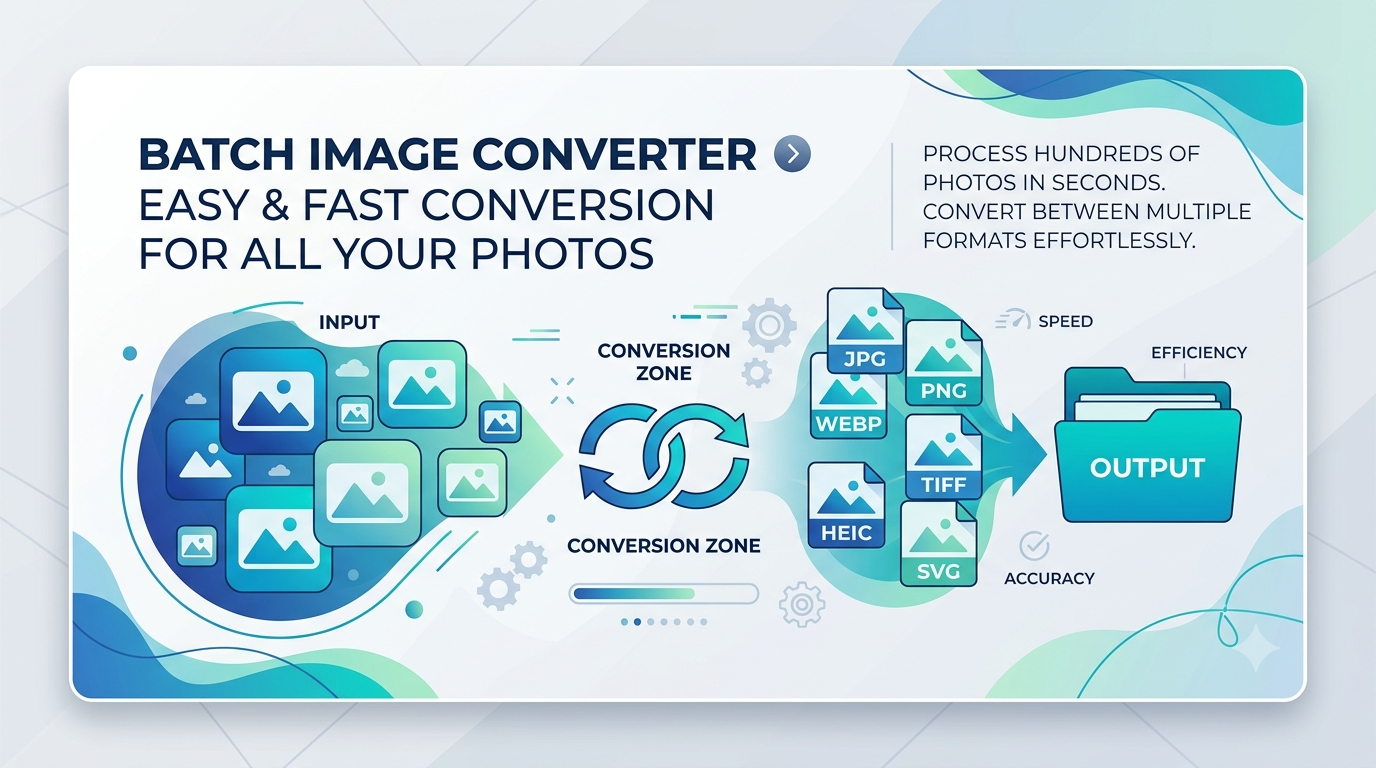
If you manage a content-heavy website, online store, or digital portfolio, converting images one by one can quickly become an exhausting chore. When dealing with dozens or hundreds of graphics, batch conversion is the ultimate productivity booster.
What is Batch Image Conversion?
Batch conversion allows you to upload multiple image files simultaneously and transform them all into your desired format (such as converting a folder of PNGs into web-optimized WebP or JPG files) in a single click. Instead of processing files individually, automated tools handle the heavy lifting for you.
Key Benefits of Bulk Image Processing
Implementing a batch conversion workflow offers several distinct advantages:
- Massive Time Savings: Process dozens of files in seconds instead of spending hours manually editing each one.
- Consistent Styling: Ensure your entire media library shares uniform formats, extensions, and compression standards.
- Streamlined Organization: Keep project folders neat by standardizing assets before uploading them to your CMS.
- Effortless Migration: Quickly transition older image repositories to modern, high-performance formats like WebP.
Best Practices for Batch Converting Files
To get the best results when processing multiple images at once, keep these tips in mind:
- Organize Your Source Files: Group images by type or project before uploading to avoid mixing up assets.
- Verify Output Settings: Double-check your target format and compression level to maintain visual quality across all converted items.
- Back Up Originals: Always keep a backup copy of your raw, uncompressed source images just in case you need to re-edit them later.
Maximize Your Productivity Today
Streamlining your media management doesn't have to be complicated. By leveraging a fast online batch conversion tool, you can free up valuable time to focus on creating great content and growing your online presence.