Images make websites engaging, visually appealing, and easier to understand. However, large, unoptimized graphics are one of the leading causes of slow-loading web pages. When a site takes too long to load, visitors bounce, and search engines lower your rankings.
Why Image Optimization Matters
Optimizing your website graphics isn't just about saving storage space; it directly influences core performance metrics. Key benefits include:
- Faster Page Load Times: Smaller files transfer quicker across all devices.
- Better SEO Rankings: Search engines prioritize fast, high-performance websites.
- Improved User Retention: Users prefer snappy, responsive pages that don't lag.
- Lower Bandwidth Costs: Efficient files consume less server bandwidth.
Core Best Practices for Web Images
Follow these essential rules to keep your media assets lightweight and professional:
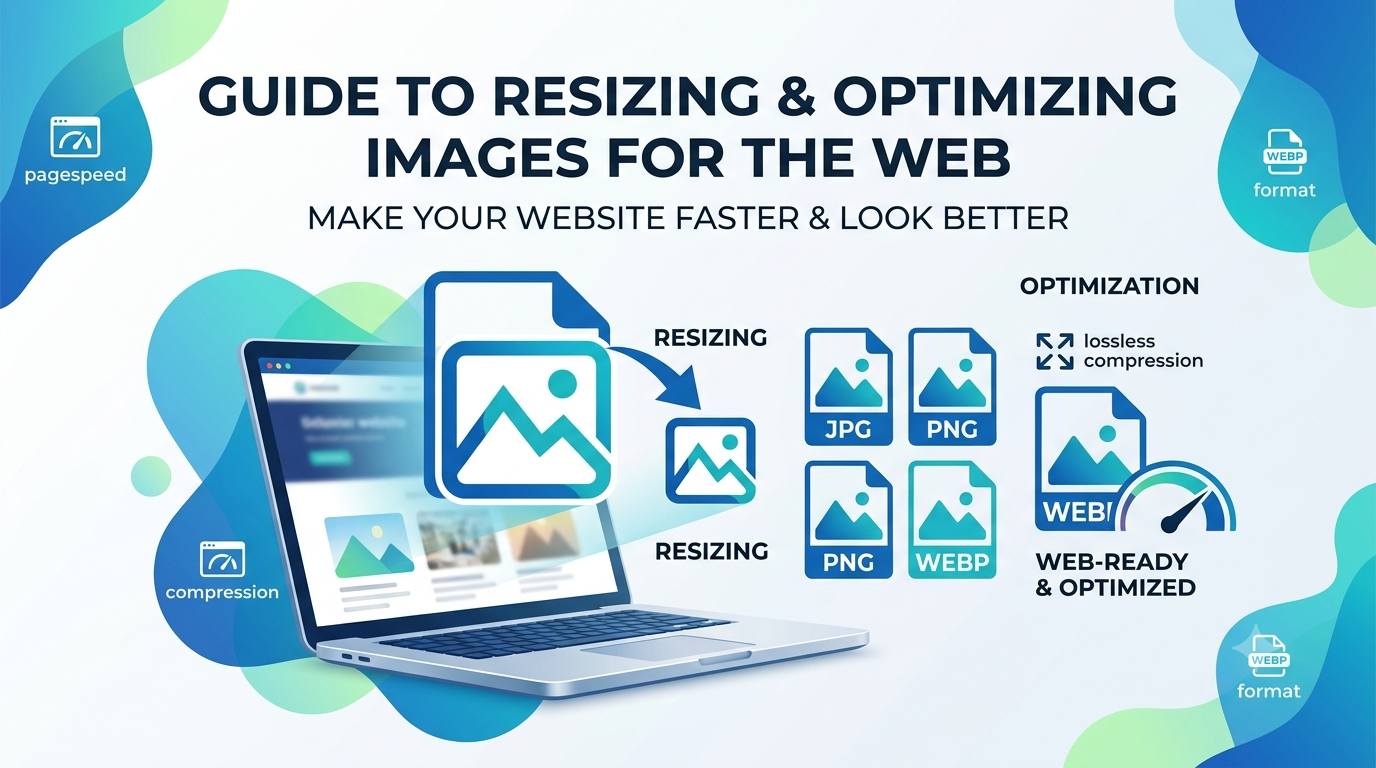
- Choose the Right Format: Use WebP or JPG for complex photographs, and PNG or SVG for clean logos, UI elements, and flat vector icons.
- Resize Before Uploading: Don't upload a 4000px wide photo if your content container only displays it at 800px width. Resize images to their exact display dimensions.
- Leverage Compression Tools: Use a reliable online image converter and compressor to strip unnecessary metadata and optimize compression ratios without noticeable quality loss.
- Implement Responsive Images: Serve smaller image variants dynamically based on whether the user is browsing on a mobile phone, tablet, or desktop screen.
Streamline Your Workflow Today
Maintaining high visual fidelity while keeping file sizes minimal can be effortless. By incorporating a reliable image conversion and resizing routine into your web publishing process, you ensure a lightning-fast experience for every visitor.